> ## Documentation Index
> Fetch the complete documentation index at: https://docs.quick.bot/llms.txt
> Use this file to discover all available pages before exploring further.
# Date
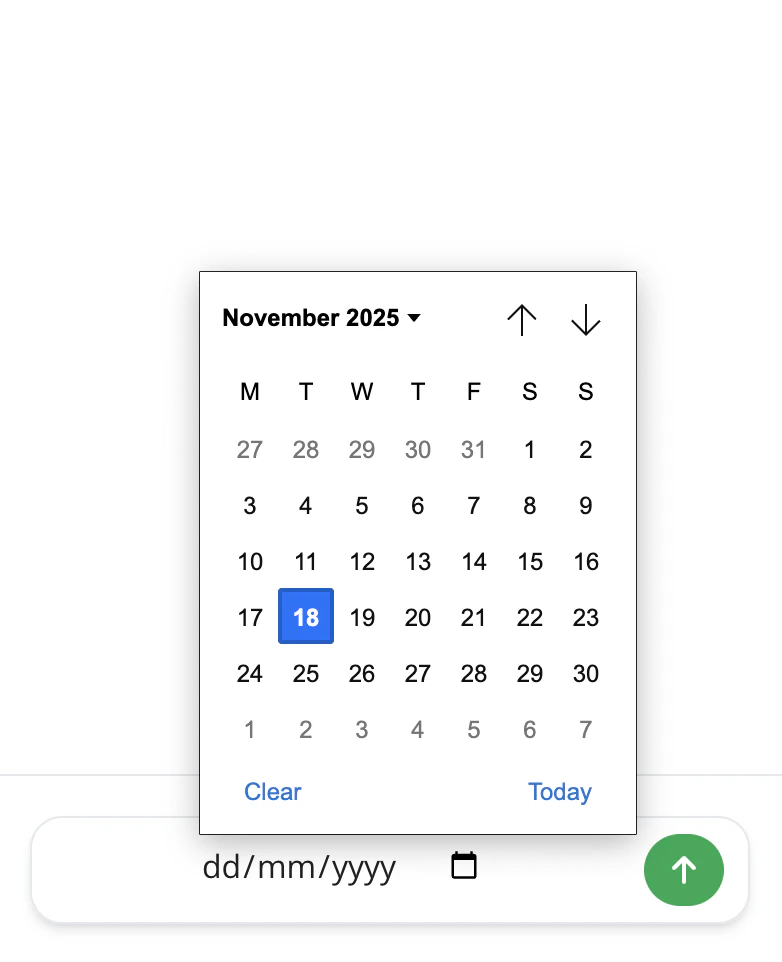
The Date user block allows you to ask your user for a date. You can ask for a specific date or range
and include time. The block uses native date pickers that adapt to different devices and browsers.
 ## Configuration
* **Button Label**: Customize the text shown on the submit button
* **Save Answer**: Choose a variable to store the collected date/range
### Date Range Toggle
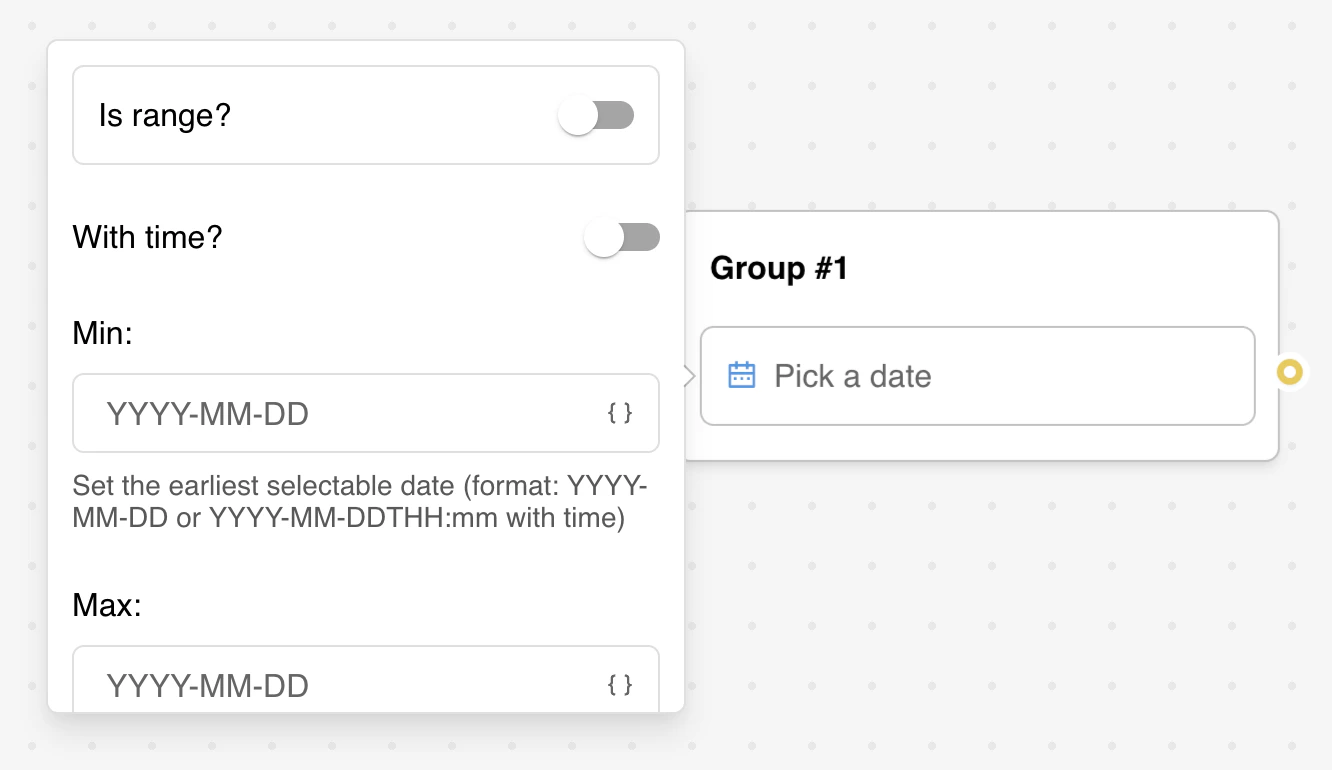
Enable date range selection to allow users to pick both start and end dates:
* **From Label**: Customize the label for the start date field (range mode only)
* **To Label**: Customize the label for the end date field (range mode only)
* Collected as a formatted range string in the saved variable
### Time Integration
Enable time selection alongside date picking:
* Changes input type from `date` to `datetime-local`
* Allows users to specify both date and time
* Affects the format patterns and display options
### Date Constraints
* **Minimum Date**: Set the earliest selectable date (format: YYYY-MM-DD or YYYY-MM-DDTHH:mm)
* **Maximum Date**: Set the latest selectable date (format: YYYY-MM-DD or YYYY-MM-DDTHH:mm)
* Supports variable integration for dynamic date limits
### Format
The `Format` setting lets you customize the picked date format.
Under the hood, it is done using the [date-fns](https://date-fns.org/) library. You can use any of
the [formatting tokens](https://date-fns.org/docs/format) supported by the library.
## Configuration
* **Button Label**: Customize the text shown on the submit button
* **Save Answer**: Choose a variable to store the collected date/range
### Date Range Toggle
Enable date range selection to allow users to pick both start and end dates:
* **From Label**: Customize the label for the start date field (range mode only)
* **To Label**: Customize the label for the end date field (range mode only)
* Collected as a formatted range string in the saved variable
### Time Integration
Enable time selection alongside date picking:
* Changes input type from `date` to `datetime-local`
* Allows users to specify both date and time
* Affects the format patterns and display options
### Date Constraints
* **Minimum Date**: Set the earliest selectable date (format: YYYY-MM-DD or YYYY-MM-DDTHH:mm)
* **Maximum Date**: Set the latest selectable date (format: YYYY-MM-DD or YYYY-MM-DDTHH:mm)
* Supports variable integration for dynamic date limits
### Format
The `Format` setting lets you customize the picked date format.
Under the hood, it is done using the [date-fns](https://date-fns.org/) library. You can use any of
the [formatting tokens](https://date-fns.org/docs/format) supported by the library.