> ## Documentation Index
> Fetch the complete documentation index at: https://docs.quick.bot/llms.txt
> Use this file to discover all available pages before exploring further.
# Email
The Email user block allows you to ask your user for an email address with automatic format
validation. It provides a specialized input field that ensures proper email format before allowing
the user to proceed.
 ## Configuration
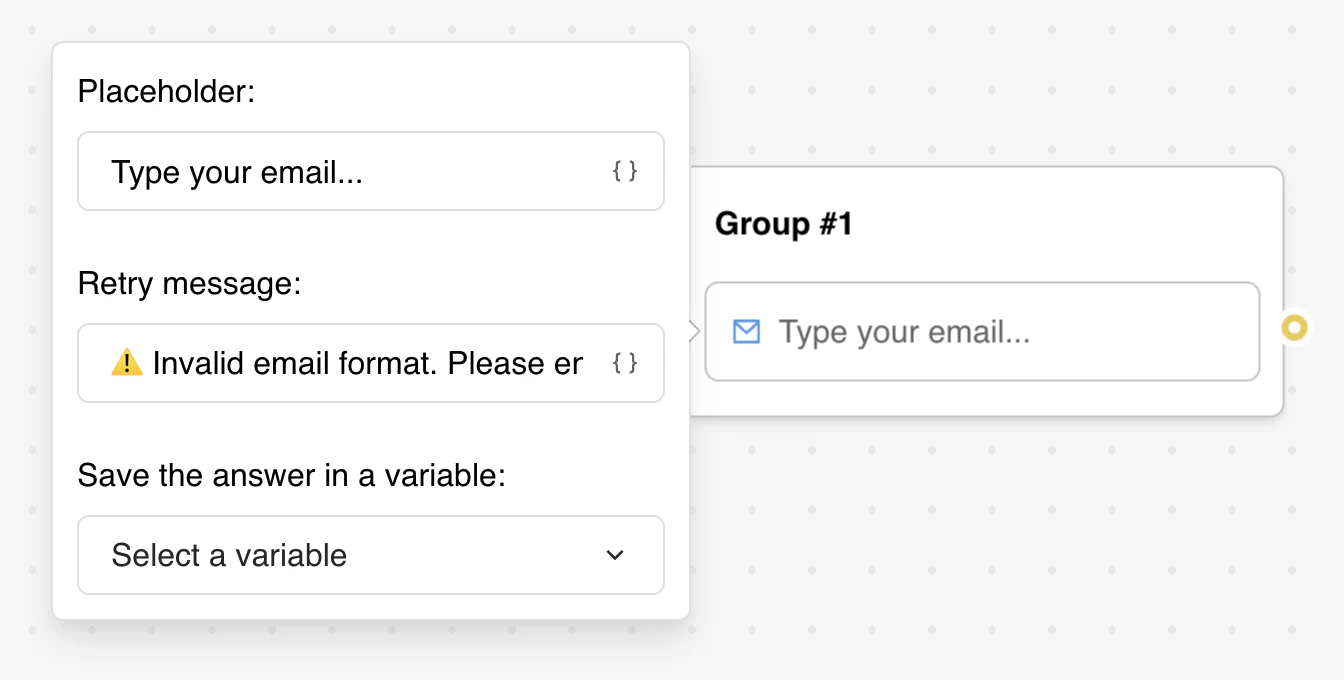
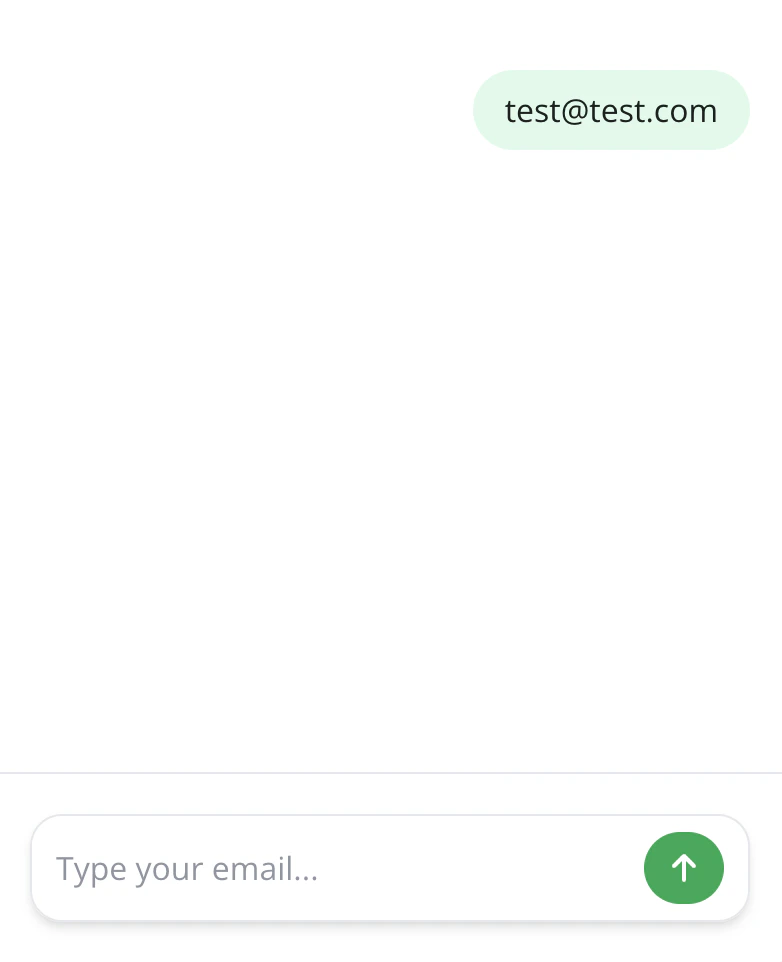
* **Placeholder**: Set the placeholder text shown in the email input field (supports variables).
* **Button Label**: Customize the text shown on the submit button (supports variables).
* **Save Answer**: Choose a variable to store the collected email address.
### Email Format Validation
The block automatically validates email format and displays a retry message when detection fails.
Common validation rules include:
* Presence of exactly one @ symbol
* Valid characters in username and domain parts
* Proper domain structure (e.g., domain.extension)
it does **NOT** verify:
* Whether the email address actually exists
* If the domain is valid and reachable
* If the mailbox can receive messages
For comprehensive email validation beyond format checking, you'll need to integrate with external
services using an [HTTP Request block](/builder/editor/blocks/integrations/http-request):
* Email deliverability services
* Domain verification APIs
* Real-time email validation services
## Integration Examples
### Basic Email Collection
```
User Input: john.doe@example.com
Validation: ✓ Format valid
Saved Variable: john.doe@example.com
```
### Invalid Format Handling
```
User Input: john.doe@
Validation: ✗ Format invalid
Display: Custom retry message
User Action: Re-enter valid email
```
## Configuration
* **Placeholder**: Set the placeholder text shown in the email input field (supports variables).
* **Button Label**: Customize the text shown on the submit button (supports variables).
* **Save Answer**: Choose a variable to store the collected email address.
### Email Format Validation
The block automatically validates email format and displays a retry message when detection fails.
Common validation rules include:
* Presence of exactly one @ symbol
* Valid characters in username and domain parts
* Proper domain structure (e.g., domain.extension)
it does **NOT** verify:
* Whether the email address actually exists
* If the domain is valid and reachable
* If the mailbox can receive messages
For comprehensive email validation beyond format checking, you'll need to integrate with external
services using an [HTTP Request block](/builder/editor/blocks/integrations/http-request):
* Email deliverability services
* Domain verification APIs
* Real-time email validation services
## Integration Examples
### Basic Email Collection
```
User Input: john.doe@example.com
Validation: ✓ Format valid
Saved Variable: john.doe@example.com
```
### Invalid Format Handling
```
User Input: john.doe@
Validation: ✗ Format invalid
Display: Custom retry message
User Action: Re-enter valid email
```