> ## Documentation Index
> Fetch the complete documentation index at: https://docs.quick.bot/llms.txt
> Use this file to discover all available pages before exploring further.
# Rating
The Rating user block allows you to collect user ratings with flexible scales, customizable icons,
and various display options.
## Configuration
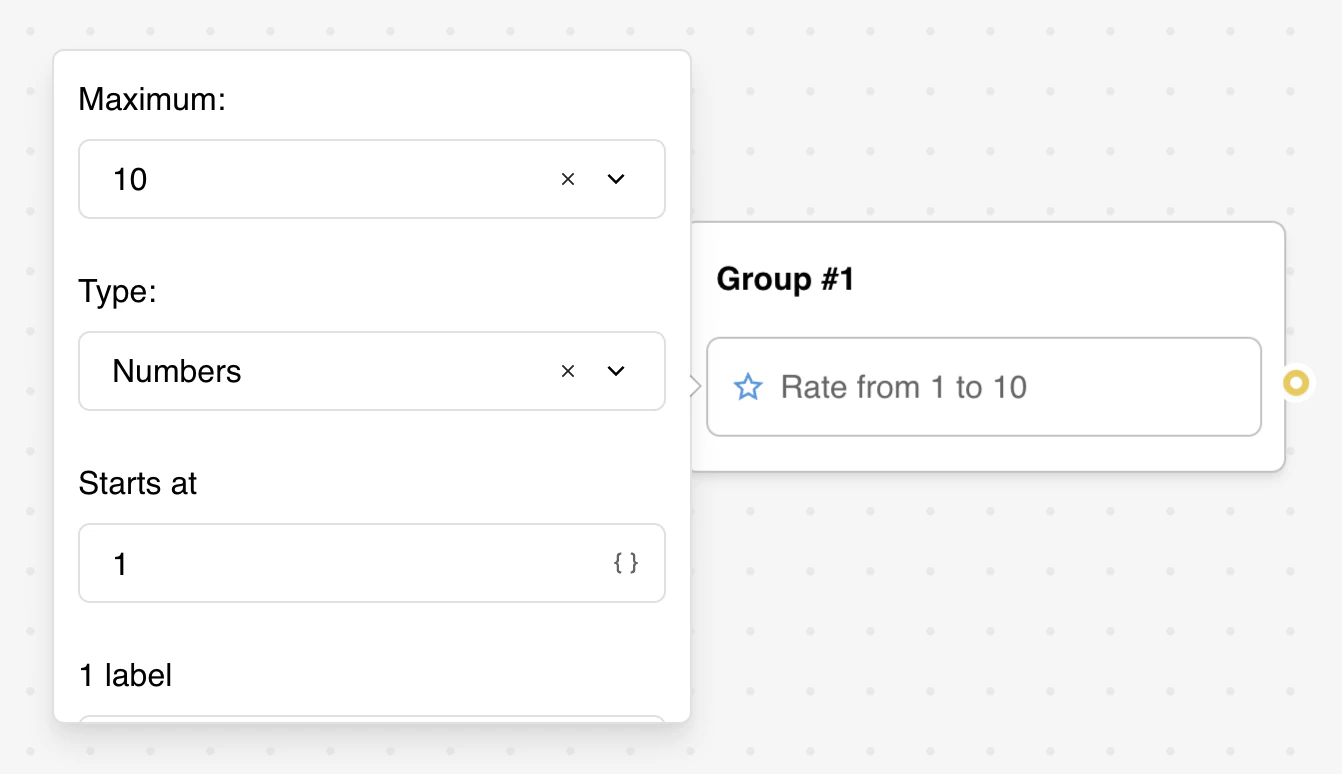
* **Maximum**: Choose from 3 to 10 rating options.
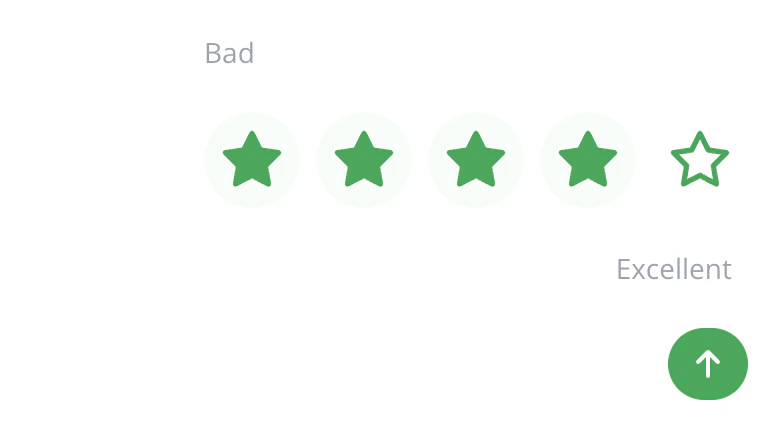
* **Type**: Select between icons (stars or custom) or numbers to display.
* **Start at**: For number displays, set the starting number (supports variables).
* **1 label**: add a label for the lowest rating.
* **10 label**: add a label for the highest rating.
* **Custom icon**: to add a custom icon use the HTML tag ``.
* **One-Click Submit**: Enable immediate submission upon selection
* **Save Answer**: Choose a variable to store the rating value
* **WhatsApp message**: Custom message for WhatsApp. If empty, a default message will be generated based on the rating configuration.