

Configuration Options
Basic Configuration
- URL: The endpoint URL where the request will be sent (supports variable interpolation)
- Method: HTTP method (GET, POST, PUT, PATCH, DELETE, HEAD, CONNECT, OPTIONS, TRACE)
- Execution Location: Choose between server-side or client-side execution
Advanced Configuration
- Query Parameters: Add URL query parameters with variable support
- Headers: Set custom HTTP headers including authentication tokens
- Custom Body: Define request body with JSON, form data, or custom formats
- Timeout: Configure request timeout (1-600000ms, default: 10000ms)
- Variable Mapping: Map response data to bot variables for reuse
Features
Variable Support
The HTTP Request block fully supports QuickBot variables in:- URL endpoints
- Query parameters
- Headers
- Request body
- Test values for debugging
Response Processing
- Automatic JSON response parsing
- Deep key extraction from nested objects
- Variable mapping from response data
- Test response preview with syntax highlighting
Error Handling
- Request timeout management
- HTTP status code handling
- Detailed error messages in logs
- Test mode for debugging before deployment
Advanced Features
Custom Request Body
Enable custom body to send structured data with your variables:Authentication Headers
Add authentication headers for secure API access:Authorization: Bearer {{API_Token}}X-API-Key: {{API_Key}}Content-Type: application/json
Query Parameters
Add dynamic query parameters:user_id={{User_ID}}timestamp={{Now}}format=json
Response Variable Mapping
Map API response data to bot variables for later use:- Extract user information from API responses
- Store calculated values
- Capture IDs for follow-up requests
Examples
Example: Employee Management API
This video demonstrates configuring HTTP Request blocks for CREATE and GET operations:Example: Movie Information API
Create a bot that fetches movie information from OMDB API: Step 1: Configure URL with Variables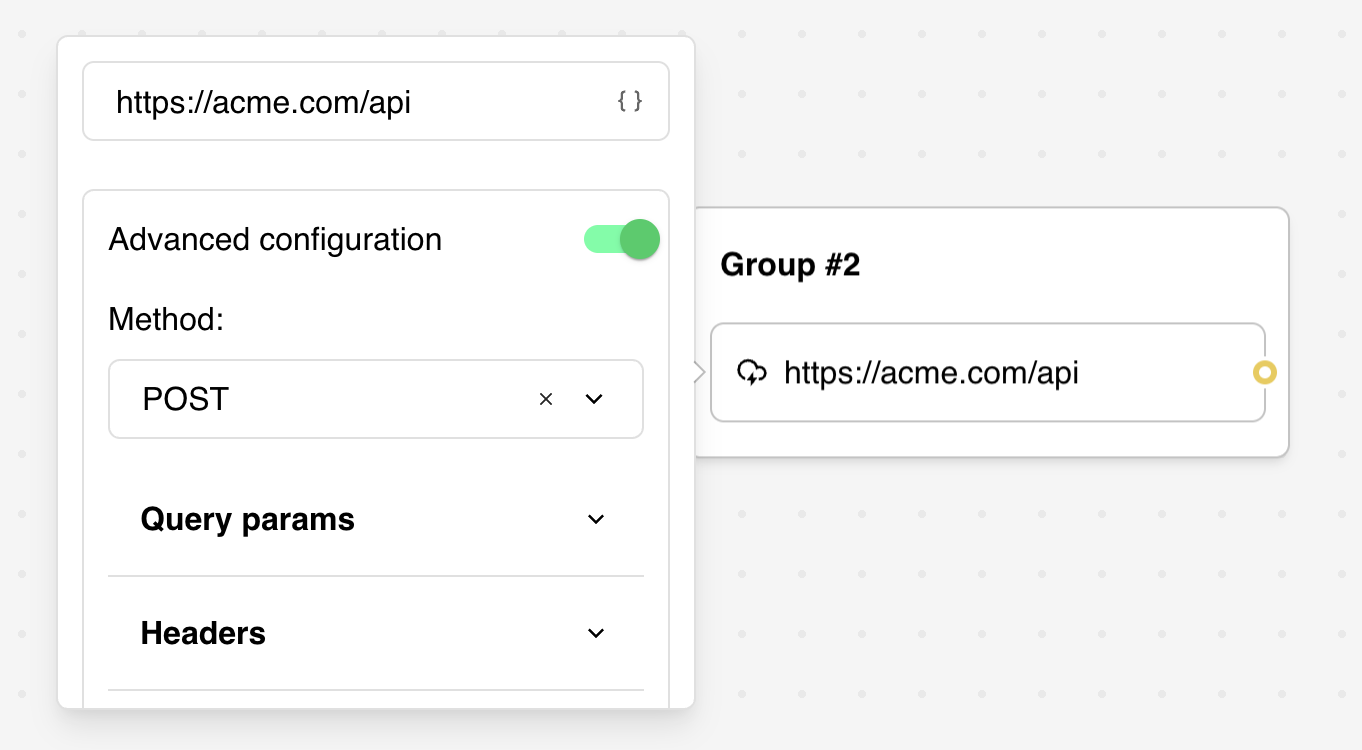
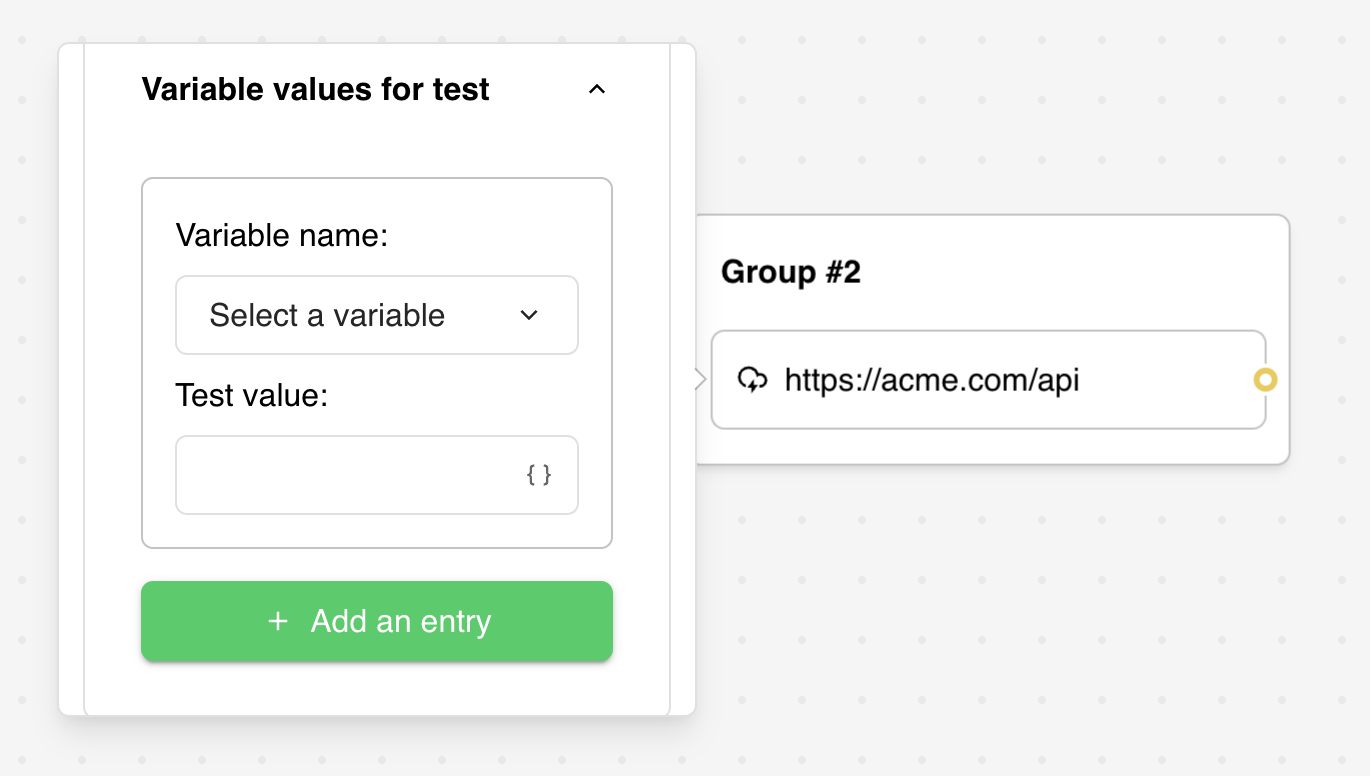
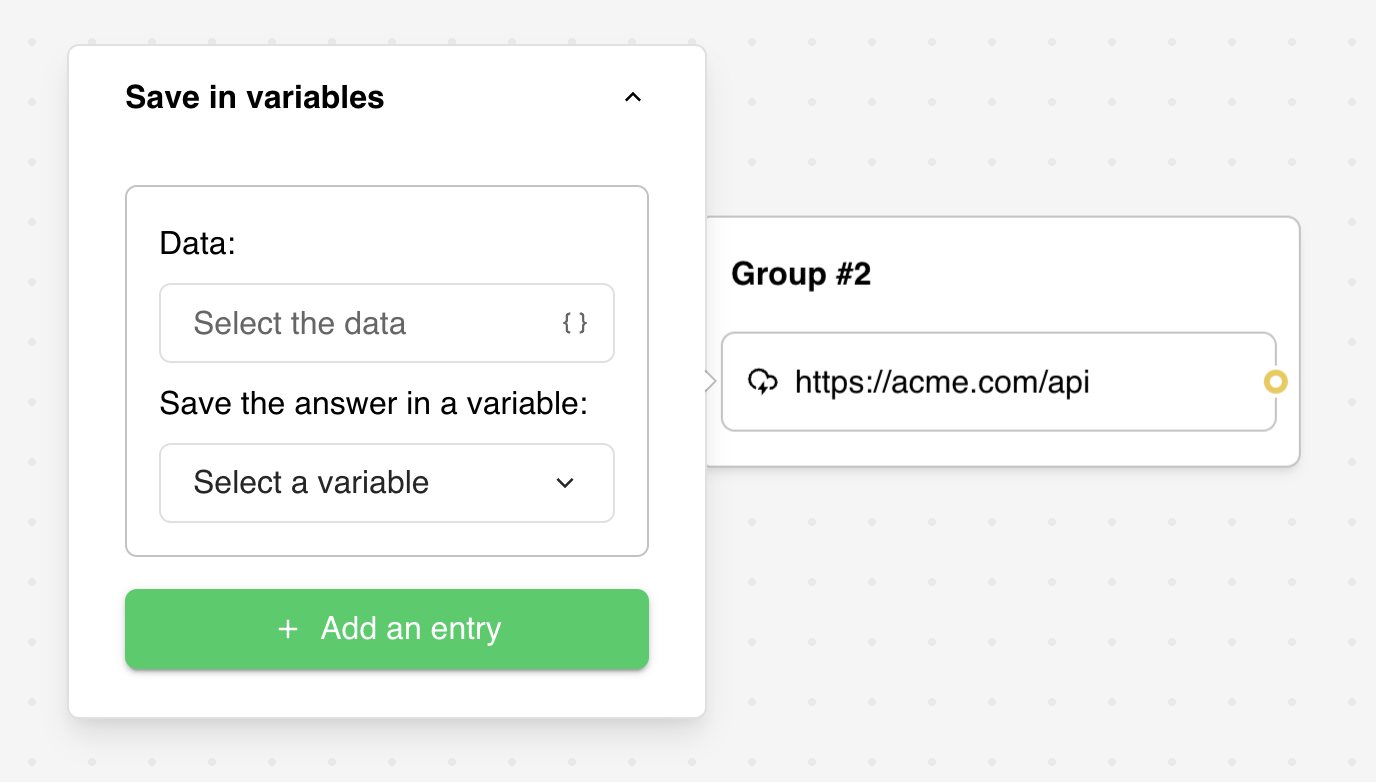
Integration Capabilities
- Connect with any REST API
- Support for GraphQL endpoints
- HTTP-based triggers for real-time updates
- Third-party service integrations (Zapier, Make.com, etc.)
- Custom authentication flows
- Data transformation and validation
Third-Party Integration
Quick Setup for Automation Services
For services like Make.com, Zapier, or Pabbly Connect:- Get Webhook URL: Copy the webhook URL from your automation platform
- Paste URL: Enter the URL in the HTTP Request block
- Test Request: Click “Test the request” to send sample data
- Customize Payload: Modify the request body to include specific bot data
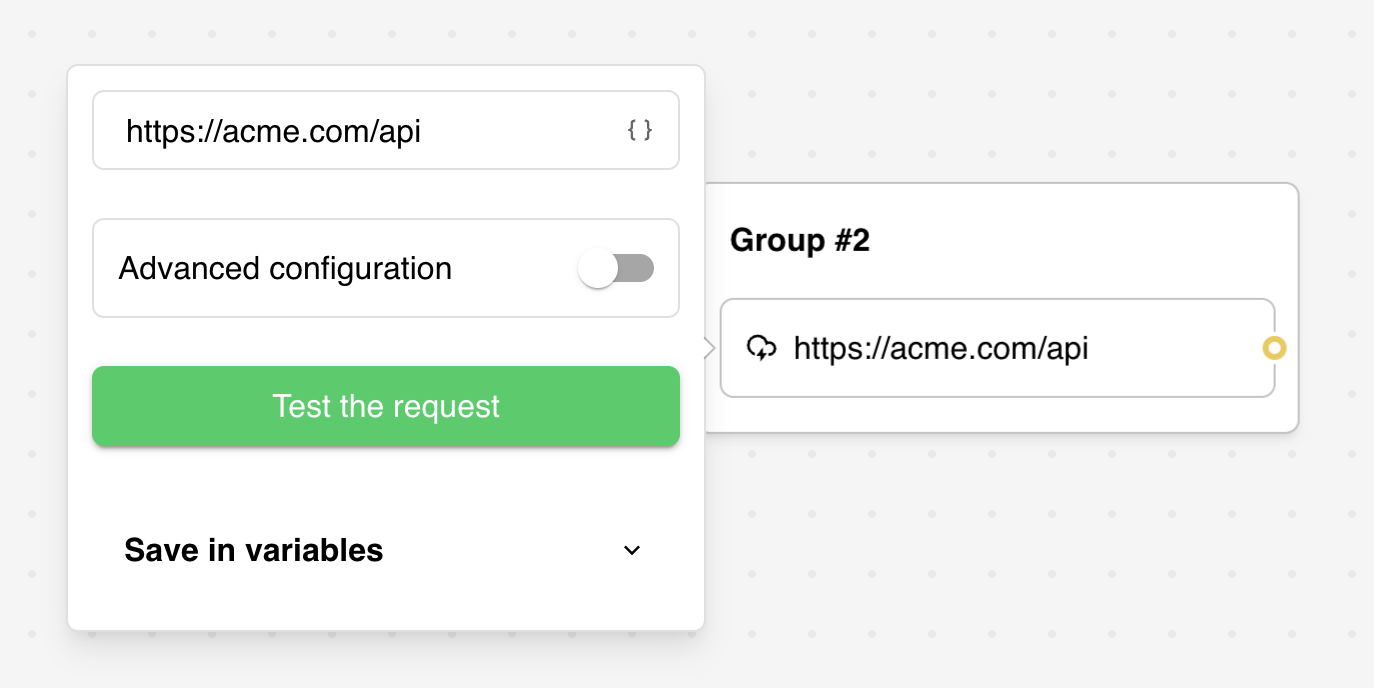
Custom Payload Configuration
Tailor the data sent to your automation service:Advanced Configuration
Timeout Settings
- Default Timeout: 10 seconds (10,000ms)
- Configurable Range: 1ms to 600,000ms (10 minutes)
- Failure Behavior: Block fails if timeout exceeded
- Location: Advanced Parameters section
Execution Context
- Server-side Execution: Secure, hidden from client, supports all HTTP methods
- Client-side Execution: Faster for simple requests, CORS restrictions may apply
- Default: Server-side execution recommended for security
Request Methods
Supported HTTP methods:- GET: Retrieve data from APIs
- POST: Create new resources or send data
- PUT: Update existing resources completely
- PATCH: Partial resource updates
- DELETE: Remove resources
- HEAD: Get headers without body
- OPTIONS: Check supported methods
- CONNECT/TRACE: Advanced networking (rarely used)
Troubleshooting
Common Configuration Issues
Request Failures- Check the logs for detailed error messages
- Verify URL format and accessibility
- Confirm API endpoint accepts your HTTP method
- Validate authentication headers and credentials
- Ensure variables exist before using in requests
- Check variable names match exactly (case-sensitive)
- Verify test values are set for debugging
- Confirm variable interpolation syntax:
{{Variable_Name}}
- Verify response structure matches mapping configuration
- Check that response keys exist in API response
- Ensure proper JSON format in API response
- Test response structure with “Test the request” feature
Platform-Specific Considerations
CORS Errors (Client-side Execution)- Switch to server-side execution for cross-origin requests
- Contact API provider about CORS policy
- Use proxy endpoints when necessary
- All blocks between user inputs are computed server-side
- Results are processed before displaying to user
- Use proper flow design for dependent HTTP Request calls
- Verify API key/token validity and permissions
- Check authentication method (Bearer token, API key header, etc.)
- Ensure credentials are stored in variables, not hardcoded
- Test authentication with API documentation examples
Performance Issues
- Increase timeout for slow APIs
- Optimize request payload size
- Consider caching for frequently requested data
- Monitor API rate limits and usage quotas